
Featured on Business Match AI
If your business is listed on Business Match AI, you can add this badge to your own website. It links back to your supplier profile, shows your customers that you're a trusted supplier, and helps more people find you through Google.
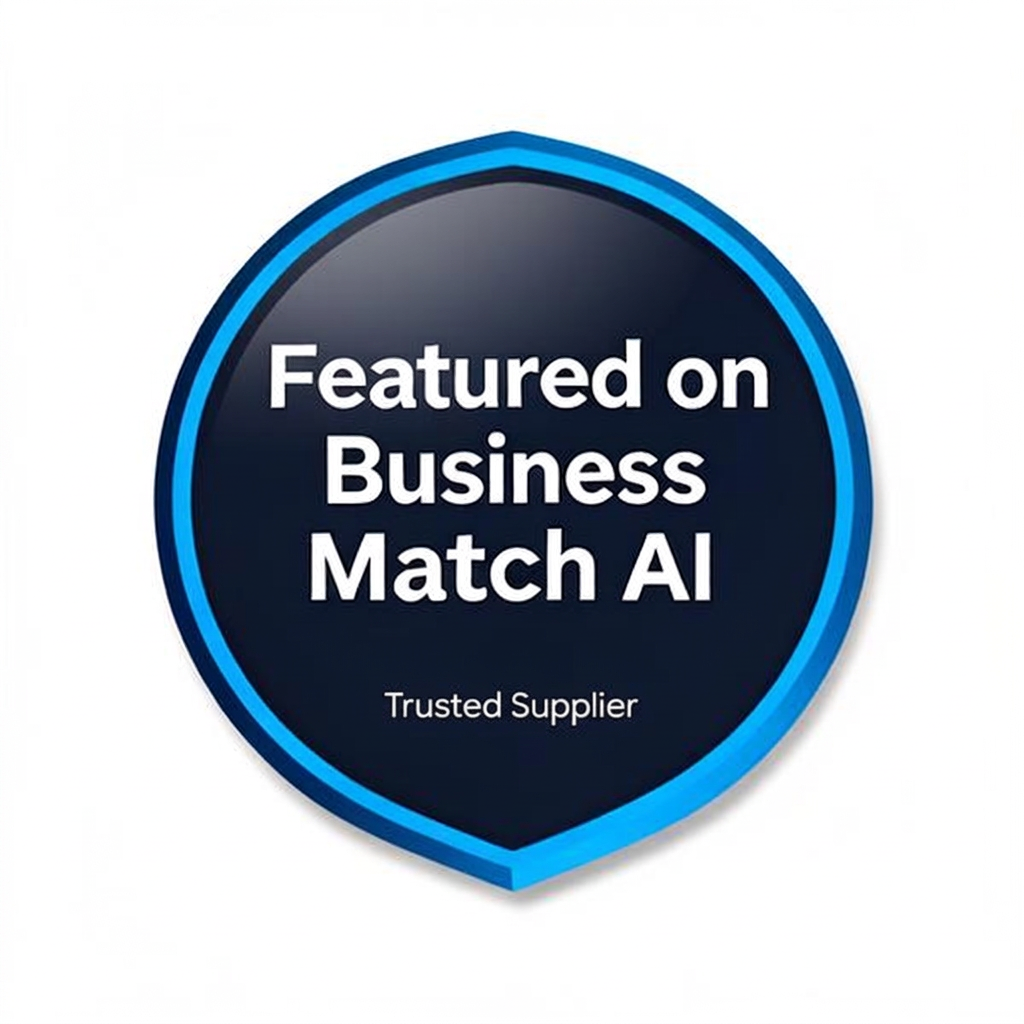
This is how the badge looks. On your website it appears smaller — about 120 px wide.
1. Enter your supplier name
Type the name of your business as it appears on your profile (for example, felix-clarke). This builds the correct link to your page.
Your profile link: https://businessmatchai.co/supplier/your-supplier-name
2. Copy the HTML code
Copy this snippet and paste it into your website — usually in your footer, sidebar, or "about us" page. Most website builders have an "HTML" or "embed" block you can paste it into.
<!-- Featured on Business Match AI badge -->
<a href="https://businessmatchai.co/supplier/your-supplier-name" target="_blank" rel="noopener noreferrer" title="Featured on Business Match AI">
  <img src="https://businessmatchai.co/business-match-ai-logo.png" alt="Featured on Business Match AI — Trusted Supplier" width="120" height="120" style="display:inline-block;width:120px;height:auto;border:0;" />
</a>Why add the badge?
- Shows visitors you're a vetted, trusted supplier on a UK business directory.
- The link back to your profile helps your site rank higher on Google.
- Customers can click through to read your reviews and request a quote.
- It's completely free — there's nothing to pay.
Not sure how to add it?
If you're not technical, just forward this page to whoever looks after your website — they'll know exactly what to do with the code above. Or get in touch with us and we'll help.
The badge image is hosted on Business Match AI, so you don't need to download or upload anything — the code does it all for you.